
Master your Microsoft Office workflow with this guide! Learn how to get organized, boost efficiency, and use the right Office tools to get more done, faster.
Read more
Explore the step-by-step process of adding a new user in Microsoft Office 365, including assigning licenses, managing permissions, and troubleshooting common issues.
Read more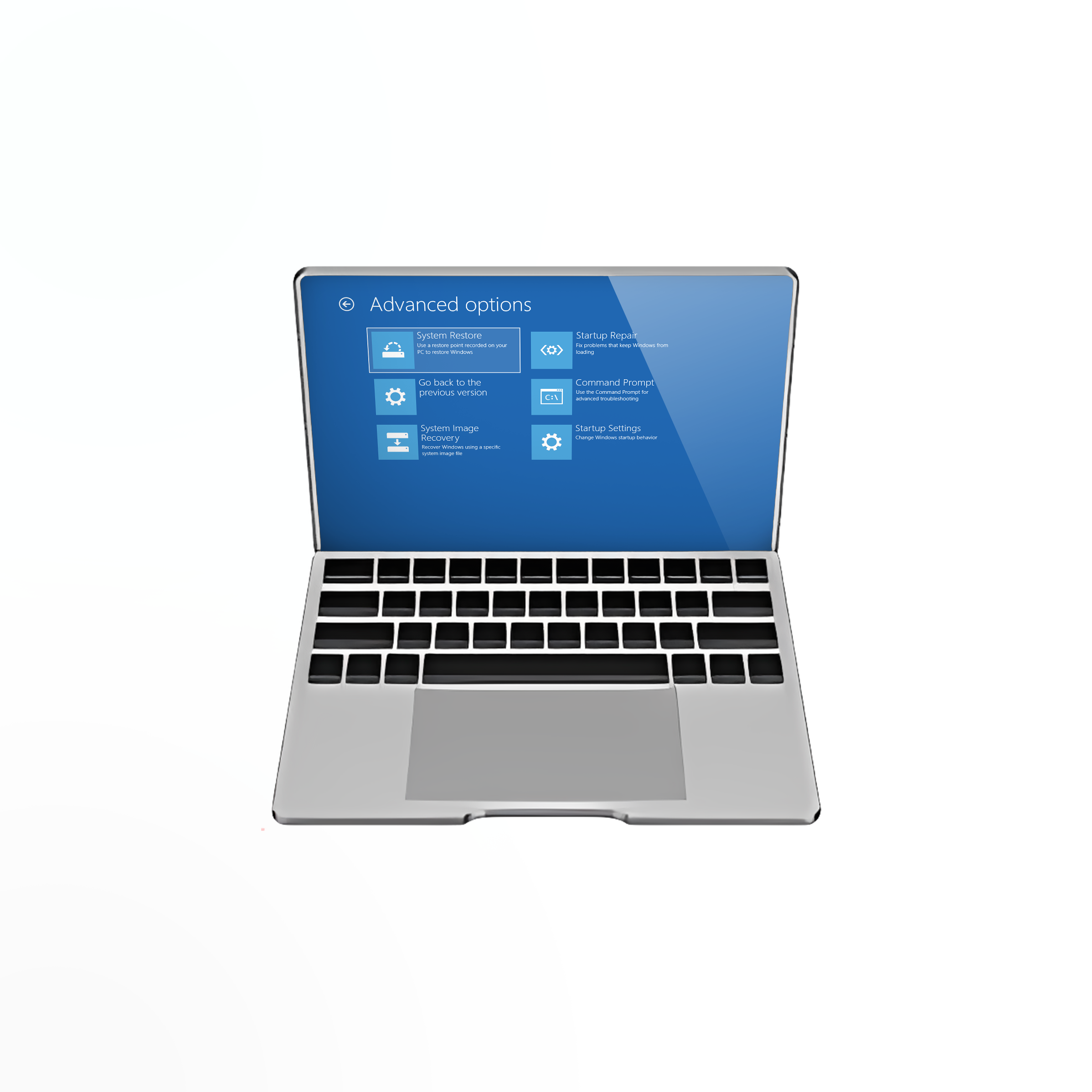
There are plenty of ways to enter Safe Mode in Windows 10. Whether you need to troubleshoot a problem or want to increase your boot speed, it's useful to learn how to boot Windows 10 in Safe Mode.
Read more
This is a step-by-step guide to help you fix the error message that says "explorer.exe Class not registered" when using Windows 10 or Windows 11.
Read more
User accounts in Microsoft Windows 10 go beyond Microsoft and Local accounts. Learn how to add, change, or remove users in Windows 10.
Read more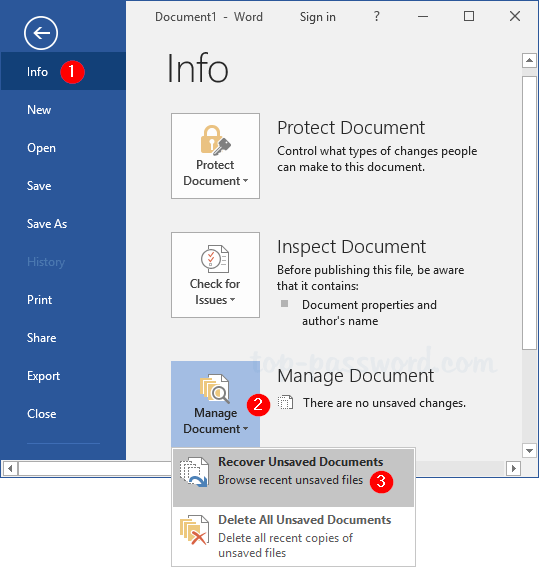
In this blog post, you will learn 7 ways to recover unsaved word documents. Applies to Word for Office 365, Word 2019, Word 2016, Word 2013, Word 2010
Read more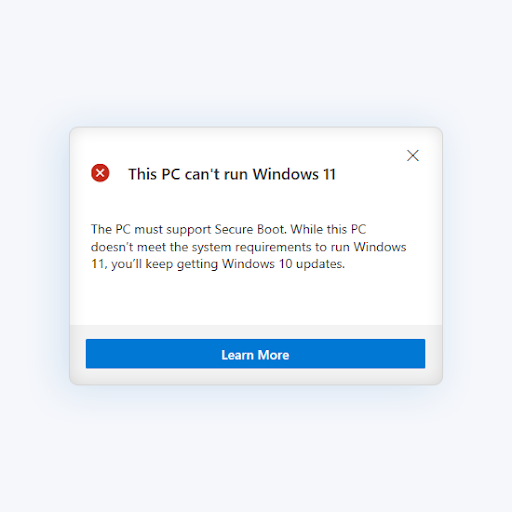
If your computer doesn’t meet the minimum requirements to install Windows 11, the PC Health Check application shows “This PC can’t run Windows 11”. Click here to learn how to fix this error.
Read more
While Windows 10 Home has excellent features that most users need, the Pro version still holds a lot of perks for anyone who decides to upgrade. Read on to find more.
Read more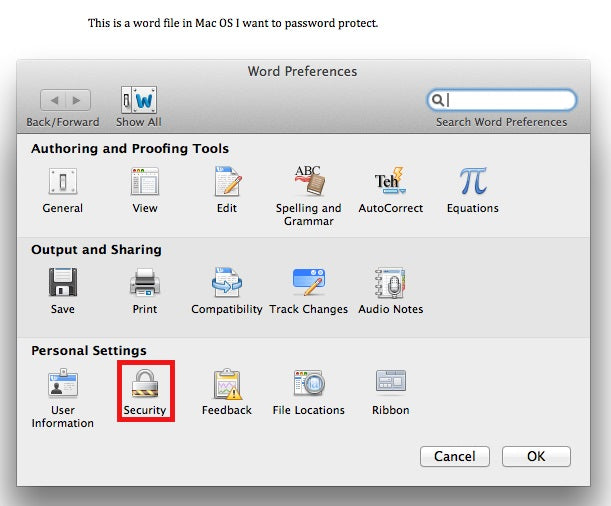
If you value your data security then you've learned about encrypting documents. So, in this guide, you will learn how to encrypt word documents on Mac. Click here to learn more.
Read more
Microsoft Office 2021's official EOL date is revealed. Find out what you can do to protect your documents and files.
Read more